 SnapDictate
How to keep project decisions when you switch AI conversations
Before switching conversations or agents, update one project handoff document with the goal, current state, approved decisions, preserved behavior, open work, sources, verification, and next action. Tell the receiving agent to read that document and inspect the relevant project before editing. Keep requested, implemented, verified, and blocked work separate so the next conversation does not restart completed work or assume unfinished checks passed.
A handoff helps preserve continuity. It does not guarantee that an agent reads or follows it.
Update the existing source of truth first
Look for the document or tracker already used to manage the work. It might be a repository file, a project issue, or an agreed checklist. Update that record rather than creating a second “master” document with overlapping authority.
A short message in the new conversation can point to the current record and state the immediate task. It should not become an independent specification that quietly disagrees with the main document.
For example: “Read the contact-form issue and its latest verification notes. Continue only the blocked mobile check.” That gives the next agent a bounded starting point.
If no shared record exists, create a small one. You do not need to reconstruct every conversation. Capture decisions that still govern the work, evidence for the current state, and the unresolved next step.
A fictional handoff: the contact form is only partly finished
Harbor Kite Rentals is a fictional website. Its Contact form originally displayed a success message even when submission failed. An agent has changed the error handling and run a local check, but the narrow-screen result has not been reviewed.
A weak handoff says:
We were fixing the contact form. Most of it is done. Please finish it.
“Most” conceals the boundaries. The new agent does not know whether to rewrite the form, fix a display issue, test the submission, or publish the result.
A better handoff identifies the remaining work:
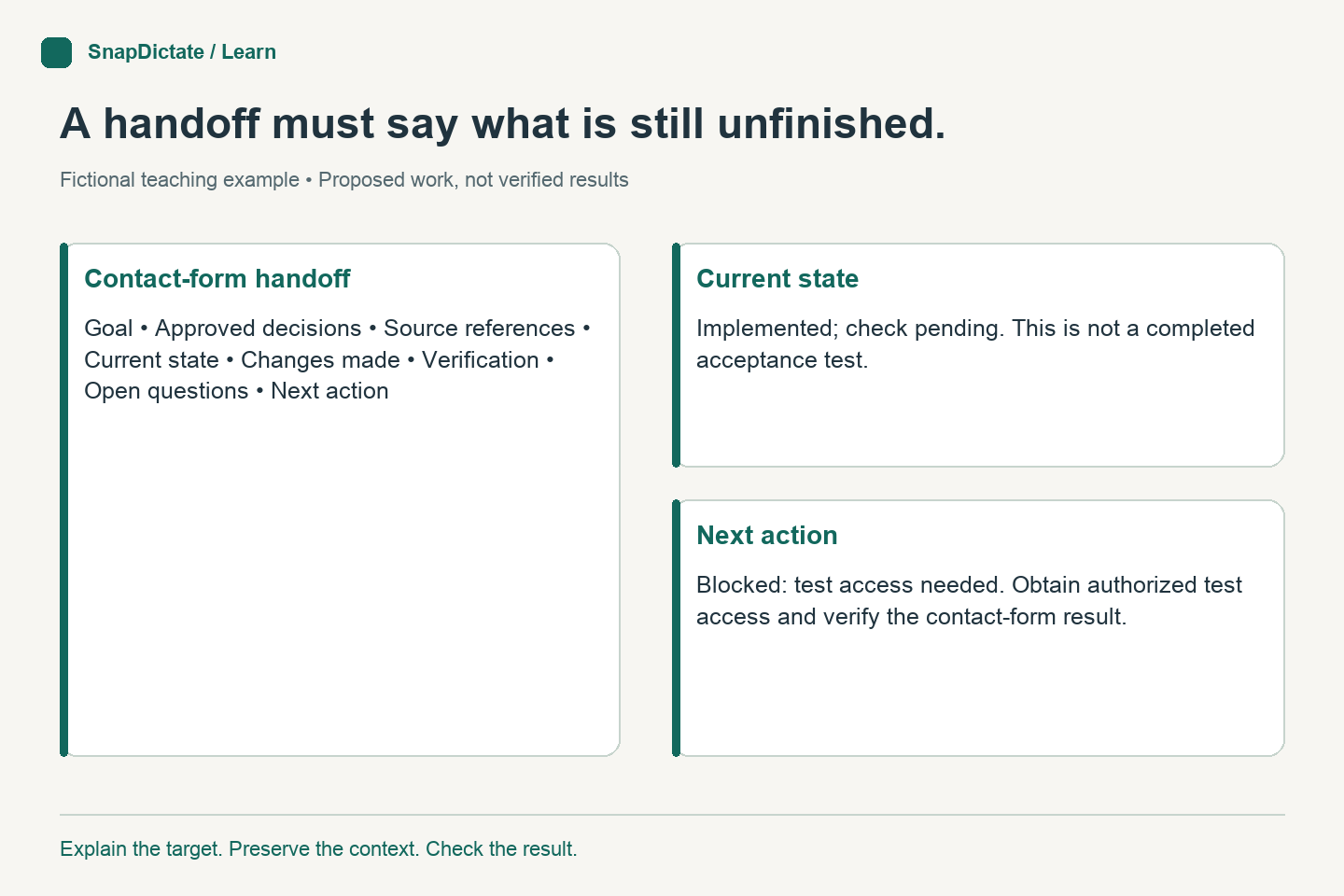
The failure-message change is implemented in the test preview. The local failure-path check is recorded in the existing issue. Mobile layout and the successful-submission path remain unverified. Read the linked sources, confirm the current implementation, and perform those checks without changing the form's fields or publishing.
The precise state matters more than the amount of background included.
Copy the eight-part handoff record
The following record is a fictional worked example. The file paths are illustrative, not files that have been created or inspected in your project. Replace them with accessible references before use.
Goal
Make the existing Contact form distinguish successful submissions from
failed submissions without changing the form's purpose or fields.

Current state
The failure-message change is implemented in the test preview.
A local failure-path check is recorded in the current project issue.
The mobile layout and success path remain unverified.
Nothing in this record authorizes publication.

Approved decisions
Show success only after the submission is accepted.
On a failed submission, show the approved error message and retain the
visitor's entered values so they can retry.
Do not add new fields or change the destination of submitted messages.

Preserved behavior
Existing fields, required-field rules, consent wording, and styling.
Existing successful-submission behavior except where explicitly approved.

Open work
CF-03: Verify the successful-submission path in the test environment.
CF-04: Inspect the narrow-screen success and error layouts.
CF-05: Confirm that retrying after a failure does not create duplicates.

Source links
Current task record: [actual issue/document URL or repository path]
Relevant implementation: [actual file path, if established]
Original review: [accessible review reference]
Approved text: [exact source]
Preview/version: [actual environment and version identifier]

Verification
Implemented: failure-message handling.
Verified: only the checks supported by the linked test evidence.
Blocked: any check that requires unavailable access or test data.
Not checked: narrow-screen layout and remaining paths listed above.

Next action
Read the current record and relevant implementation. Confirm what remains
open, then run the outstanding checks using approved test data.
Report evidence and limits. Ask before changing approved behavior or
performing an action outside the authorized scope.
Do not carry forward a fictional verification statement as if it were your own evidence. In a real record, every Verified entry should point to a result that another person can inspect.
Record what is true now, not just what was requested
A change request describes a desired future state. A handoff describes the present state of the work. Mixing them makes unfinished work look complete.
Use a small status table when several tasks are in flight:
| Work item | Implementation state | Verification state | Next action |
|---|---|---|---|
| Failure message | Implemented | Relevant local check recorded | Confirm the evidence refers to the current version |
| Successful submission | Existing behavior retained in code | Not checked after the change | Run an approved test submission |
| Narrow-screen display | No further change requested yet | Not inspected | Inspect success and error states |
| Retry behavior | Current implementation needs inspection | Unknown | Check before proposing any additional repair |
These are the fictional scenario's states, not universal workflow labels. Use your existing tracker terminology when it already expresses the distinctions clearly.
The implementation checklist guide explains how to connect each item to its source and acceptance check.
Include the evidence the next agent can actually access
A handoff that links to a private file the receiving agent cannot open is incomplete in practice. Check access without expanding permissions unnecessarily. Supply an approved excerpt or supported attachment when direct access is unavailable.
Name the environment. A local development result is not automatically a staging result, and a staging result is not automatically production evidence. Record a real version identifier when available so the agent can tell whether the evidence predates the latest change.
Do not paste credentials into the document. Describe the missing access and the permitted route for obtaining it. For tests that send messages or change data, specify the test destination and the boundary of authorization.
Use project instruction files without duplicating the task record
Some agents support persistent project instructions. Claude Code documents project instruction files and memory, while explicitly distinguishing those instructions from enforced controls. See Claude Code's memory documentation.
Codex documents AGENTS.md for project instructions. See OpenAI's AGENTS.md guidance. These mechanisms are platform-specific; a random file named “handoff” is not guaranteed to load automatically.
Keep durable project rules in the established instruction system. Keep changing task status and evidence in the current task record. Link between them when useful rather than copying the same checklist into several files that can drift apart.
An instruction such as “do not publish” is also not a substitute for appropriately limited tool permissions.
Re-anchor after a long conversation or compressed context
When an agent loses track of a settled decision, point it back to the current record. Ask it to state the approved boundary and next action before continuing. Do not re-explain the entire project from memory unless the source is genuinely unavailable.
If the agent's interpretation conflicts with the record, resolve the discrepancy before it edits. The record itself can be outdated. Check its evidence and latest authorized amendments rather than assuming that a document is correct merely because it exists.
For a handoff involving layout, the Codex layout-feedback guide shows how to identify viewport-specific checks. For unintended changes, use the recovery workflow.
Keep original feedback attached to the project record
SnapDictate can package the review text, screenshots, and handoff material that explain what the requester meant. Use that review as a source for the existing project record, not as a competing source of task status. Its proposed checklist still needs reconciliation and verification. See the handoff workflow.
Handoff questions
Should I paste the entire old conversation into the new one?
Only when it is genuinely necessary and appropriate to share. A current handoff with links to relevant evidence is easier to review than an undifferentiated transcript containing obsolete decisions. Preserve source material without making all of it mandatory reading.
What should I do when the new agent cannot access the repository?
State that limitation and supply supported, approved material for the task it can perform. Do not ask it to certify implementation or test results it cannot inspect. Keep those checks blocked until access is available.
Can I delete the original review after making the handoff?
Follow your retention needs and policies. Keeping the relevant source can help resolve omissions or disputed interpretations. A summary is useful, but it may not preserve every detail of the original request.
Sources
Published by SnapDictate / RepX Inc., the maker of the product mentioned here. About and corrections.