 SnapDictate
AI keeps changing things you wanted to keep? Narrow the next request
When an AI agent changes working code outside your request, pause new work and separate the intended change from the regression. Identify the last known-good behavior, ask the agent to inspect the relevant changes, and restore only what was unintentionally altered. Then check both the requested improvement and the behavior you wanted to preserve.
Do not start with “undo everything” unless you have established that everything being undone belongs to the failed change.
Describe the regression separately from the original request
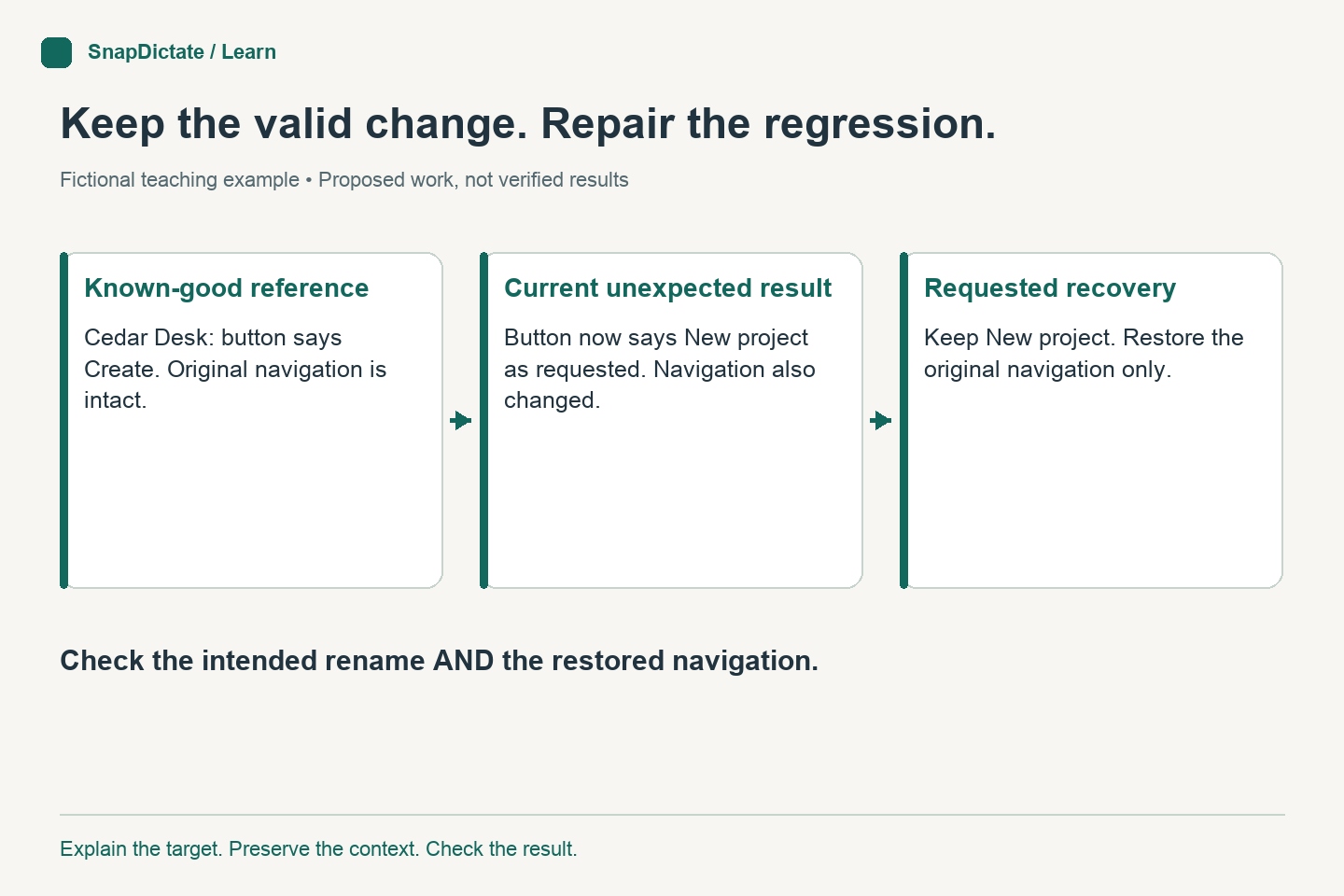
In Cedar Desk, a fictional project-management app, the owner asks an agent to rename a dashboard button from “Create” to “New project.” The agent changes the label but also rearranges the navigation and sends the Projects link to the dashboard.
The label change is correct. The navigation change is not.
An understandable but unhelpful response would be:
You changed everything again. Put it back and make the dashboard better.
This mixes recovery with an open-ended improvement request. It also leaves “put it back” undefined: should the correct button label disappear too?
A better response names the two outcomes:
Keep the new “New project” label. Restore the navigation order and Projects destination to their previous behavior. Do not redesign the dashboard during this recovery.
The agent still needs evidence of the previous state. Supply the earlier screenshot, approved preview, test, or version reference that establishes what was working. When you do not have that evidence, describe what you remember as a recollection rather than presenting it as a verified baseline.
Make a preserve/change/check table
Before another edit, write a short recovery table. Here is the table for Cedar Desk; all details are fictional.
| Area | Preserve or restore | Acceptance check |
|---|---|---|
| Dashboard button | Preserve “New project” and its existing create-project action | The label is correct and opens the existing creation dialog |
| Navigation order | Restore Overview, Projects, Team, Settings | The displayed order matches the approved reference |
| Projects link | Restore the Projects destination | Selecting Projects opens the project list, not the dashboard |
| Other dashboard sections | Preserve current content and behavior | The change report identifies no unrelated edits; spot-check affected neighbors |
The table is not a list of new features. It records the boundary of the repair. A visual order and a link destination need separate checks because one can be correct while the other remains wrong.
For the underlying request structure, use the five-part change request.
Ask the agent to inspect the difference before restoring it
A diff shows differences between versions or files. Git provides comparison tools for this purpose; the relevant comparison depends on which changes are committed, staged, or still in the working files. Git's diff documentation describes those distinctions.
You do not need to choose the command yourself. Ask the agent to identify the baseline and the scope of the comparison. “I checked the diff” is incomplete when the comparison might omit uncommitted work or include several unrelated tasks.
In the example, the agent should determine whether the navigation changes came from the button-label task, an earlier edit, or another contributor. It should also inspect whether the label and navigation share a component. A small visible change may have legitimate dependencies in more than one file.
The right boundary is the requested outcome, not an arbitrary one-file limit.
Copy this recovery request
Pause unrelated improvements. This is a recovery task.

Original approved change:
Rename the dashboard button from “Create” to “New project.”
Keep that change and its existing action.

Unexpected change:
The navigation order changed, and Projects now opens the dashboard.

Known-good reference:
[Attach or identify the earlier navigation screenshot/version/test.]
[State explicitly if the reference is unavailable.]

Before editing:
Inspect the changes relevant to the original task. Identify the
comparison baseline and any unrelated work that must be preserved.
Explain whether the repair touches a shared component.

Repair:
Restore only the unintended navigation changes. Preserve the new button
label, project-creation behavior, and unrelated approved work.
Do not reset the whole project or discard other changes.

Check:
1. “New project” still opens the existing creation dialog.
2. Navigation order matches the known-good reference.
3. Projects opens the project list.
4. Relevant neighboring navigation actions still work.

Report the files changed, checks performed, and remaining uncertainty.
Ask before any recovery step that could discard unrelated work.
Replace the sample details rather than pasting them into an unrelated project. The template is a way to state the repair boundary, not a substitute for inspecting the actual changes.
Choose the smallest recovery that preserves valid work
There are three different situations to distinguish.
If one isolated edit caused the regression, a targeted correction may be sufficient. If a broader change introduced several connected problems, the agent may need to propose a coordinated repair. If the previous implementation is genuinely the right starting point, a carefully scoped restoration may be appropriate after checking what it would remove.
Do not assume that returning to an older version preserves later work. Write down any valid changes made since that point. Examples include a corrected validation rule, updated copy, or another person's unfinished edit.
When there is uncertainty, ask for a recovery plan before authorizing edits. The useful plan is short: the baseline, what will change, what will remain, and how the result will be checked. It should not become a new architecture proposal.
Verify the intended change and the repaired behavior
After the repair, check the two outcomes independently. The navigation might work again because the agent reverted the entire task, accidentally removing “New project.” That is not a complete recovery.
Ask for evidence that matches each row in the table. A screenshot can show navigation order. Exercising the links can establish their destinations. Opening the creation dialog can check the preserved action. The agent should name the environment where it performed those checks.
Record partial results honestly. “Navigation order restored; Projects destination not tested” is more useful than “all fixed.” A check blocked by missing access should remain blocked, not quietly become a pass. The implementation checklist guide shows how to track that distinction.
Keep new ideas out of the recovery request
While reviewing a broken page, you may notice a better arrangement or another feature you would like. Save it separately. Adding it to the repair makes it harder to tell whether the agent is restoring an approved state or creating a different one.
Once the recovery passes its checks, start the new request from that verified state. Update the existing project record rather than making a competing checklist. The agent handoff document is useful when the repair crosses conversations or agents.
If similar regressions recur, inspect more than the prompt. Shared styling rules, inadequate tests, stale previews, and missing project context can all be relevant. A preservation sentence cannot compensate for every implementation problem.
Capture the unexpected change precisely
SnapDictate can keep your explanation, marked screenshots, and preservation notes together in a review. Use that evidence to show which result is wrong and which successful change should remain. The receiving agent still performs the code inspection, repair, and testing. See the review workflow.
Recovery questions
Should I immediately revert the agent's last change?
First establish what that change contains and whether other valid work depends on it. A targeted repair or scoped restoration may preserve more approved work than a blanket revert.
What counts as a useful known-good reference?
A version identifier, relevant test result, approved screenshot, or accessible earlier preview can help. State what each reference proves. A screenshot of navigation does not establish where its links led.
What if the agent says the extra change was necessary?
Ask it to explain the dependency and offer the smallest approach that satisfies the original request. Necessary supporting work is different from an unrelated improvement, but the claim needs examination.
How do I stop the same mistake next time?
Carry forward the specific preservation rule and add a relevant check. Keep the request bounded, but do not treat clearer wording as a guarantee. Repeated failures may require changes to tests, project instructions, or the implementation itself.
Sources
Published by SnapDictate / RepX Inc., the maker of the product mentioned here. About and corrections.