 SnapDictate
Screen recording or annotated screenshots: which should you send your AI?
Use annotated screenshots with text when the change concerns exact wording, a specific element, or a static layout. Use video when motion, order, or timing is part of the problem. For a reproducible bug, include written steps either way. Before sending, confirm that the receiving system can inspect the chosen format—not merely accept it as an attachment.
A mixed handoff is often appropriate: a short video for the sequence, selected images for the targets, and text for the requirements.
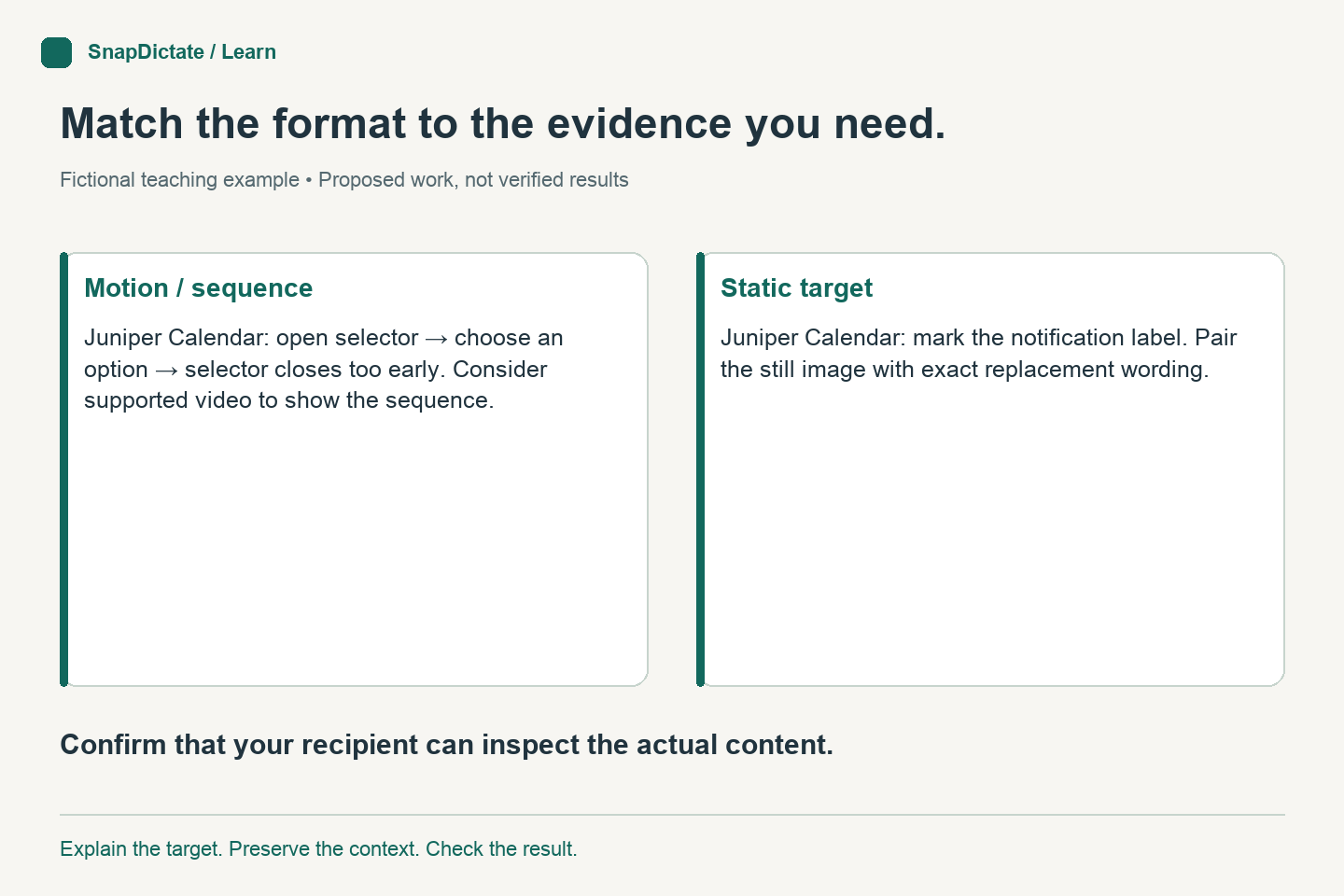
Choose based on what the evidence must show
An image preserves one visible state. A recording can preserve a sequence of states. Neither automatically supplies the intended outcome, the permission to change something, or proof that a repair works.
For example, a screenshot can identify the heading to replace. It cannot show a menu closing too early while the pointer moves. A video can demonstrate that menu behavior, but the agent still needs to know which behavior is expected.
Start with the question the evidence needs to answer. Then choose the format that answers it with the least unnecessary material.
| Need | Annotated screenshots and text | Screen recording | Practical choice |
|---|---|---|---|
| Exact wording | Keeps the target and replacement easy to reference | Wording may be visible only briefly | Supply the exact string in text, with a marked image if needed |
| Static layout | Preserves a specific arrangement for comparison | Can show it, but the relevant frame must be located | Use images at named viewports |
| Motion or sequence | Selected frames may omit the transition | Can show movement and order | Use a short recording with a written sequence |
| Reproducible bug | Shows starting or failing states | Shows how a failure unfolds | Include steps, expected result, and actual result with either format |
| Privacy | Review each image and accompanying text | Review the entire recording, including audio and incidental screens | Minimize the capture and inspect the complete shared material |
| Recipient support | Depends on image and package support | Depends on video, audio, tools, and account support | Verify the actual receiving workflow |
| Review effort | Targets can be individually labeled | Relevant moments may need timestamps or extraction | Organize either format around the decision or task |
This table is a decision aid, not a benchmark of processing time, token use, or cost. Those depend on the tool, content, and workflow.
When video is the better evidence
Consider Juniper Calendar, a fictional scheduling app. Its month selector closes while the user moves from the selector to the list of months. A still image of the open list cannot show the disappearing transition.
A useful request is:
On /schedule, open the month selector and move the pointer toward July.
In this reported sequence, the list closes before July can be selected.
It should remain usable while moving from the selector into the list.

The attached recording demonstrates the sequence with test data.
Check the segment identified in the accompanying notes. Preserve the
current month options and the calendar's event data.

Reproduce the behavior before proposing a fix. Afterward, repeat the
pointer sequence and check keyboard selection as a separate interaction.
Use an actual timestamp only after reviewing the real recording. Do not invent one because a template includes a timestamp field. Keep the recording focused enough that the recipient can find the relevant transition.
A tool such as Loom may be appropriate for capturing and explaining that sequence. The question is whether the recipient can inspect the shared recording in your chosen workflow, including any authentication requirement. A video link is not automatically accessible to every agent.
When screenshots and text are the better evidence
In a second fictional case, Juniper Calendar's Settings page has three notification toggles. The owner wants one label changed from “Daily summary” to “Morning summary” without changing the notification schedule.
A vague request would be:
Watch this and tidy up the notifications.
A narrower handoff is:
In Settings → Notifications, marker 2 identifies “Daily summary.”
Replace that label with “Morning summary.” Preserve the toggle state,
notification timing, and the labels of the other two toggles.

Check the exact replacement in the same panel and confirm that the
underlying notification setting still maps to the same preference.
The marked image identifies one control. The text specifies the exact change and its boundary. Recording a long tour of Settings would not add necessary evidence for this particular task.
The screenshot annotation guide explains how to keep the target readable and the surrounding context useful.
File acceptance and content inspection are different
An upload can succeed even when the system cannot use all of the content inside it. A package may contain images the agent never opened. A video may be processed only partly. A link may require permissions the agent does not have.
OpenAI's current image-input FAQ says supported ChatGPT workflows can accept video attachments, with availability varying by platform and method; it also cautions that analysis may be incomplete. Read the documented limits. That is not a promise about every AI product or every upload path.
Ask the recipient to report what it actually inspected. A useful response names the files or segments it used and identifies inaccessible material. A generic “I reviewed everything” is weaker than an evidence-specific account.
Copy this receiving-format check
Before implementing, confirm which supplied materials you can inspect:
- Written instructions
- Individual screenshot files
- The contents of any attached package
- The relevant video segment, including audio if the task depends on it

Identify any inaccessible or unsupported material. Do not infer its
contents from the filename or claim to have watched what you could not
inspect. Use supported text and images as a fallback, and say what
important motion or timing evidence remains missing.
This check should not become a demand for the agent to invent access. If the required evidence cannot be inspected, supply an accessible alternative or leave the relevant conclusion unresolved.
Combine formats without creating conflicting instructions
A mixed handoff needs one written statement of the requested outcome. Mark the video as evidence of the sequence and the screenshots as references to particular states. Do not place a different version of the requirement in each file.
For Juniper Calendar, the video can show the closing month list, an image can identify the selector, and the text can define the expected pointer and keyboard behavior. One task record should tie them together.
For a spoken review organized around deliberate captures, see dictating changes with screenshots. To track the resulting work, use the implementation checklist.
Inspect the whole shared package for private information
A short capture is not automatically safe to share. Check visible data, incidental notifications, spoken names, and the text surrounding the images. A recording may include material outside the moment you intended the agent to inspect.
Prefer test accounts and fictional content when they preserve the behavior needed for the task. Describe any sanitization that changes how the evidence should be interpreted. If removing sensitive material also removes the failure, say that a faithful reproduction is still needed.
Where SnapDictate fits
SnapDictate combines spoken or written feedback with intentional annotations and screenshots in order. It suits a handoff built around visible targets and explicit instructions; it is not a continuous video recorder. Use separate motion evidence when the problem needs it, and verify the receiving workflow's file support. See SnapDictate's capture-based review.
Format questions
Is video always harder for AI to use?
No. That depends on the system and task. Some systems process video, and some problems are easier to understand as a sequence. Check documented support and the evidence the agent actually used rather than assuming one format always wins.
Should I replace every video with screenshots?
No. Selected frames can lose timing, movement, or an intermediate state. Use screenshots when they preserve the information needed for the change, not as a universal replacement.
What if my agent accepts images but not the review ZIP?
Extract the relevant text and images using a supported workflow, preserve their order and references, and identify anything omitted. Do not assume that accepting an archive means the agent has inspected every file inside it.
Does a recording prove the fix worked?
It can provide evidence of the recorded scenario after the change. It does not establish unrecorded behavior, other environments, or every possible input. State the tested scenario and its limits.
Sources
Published by SnapDictate / RepX Inc., the maker of the product mentioned here. About and corrections.