 SnapDictate
How to check screenshots for private data before sharing with AI
Use test data where possible, capture only the relevant interface, and inspect the complete material you will send. Check screenshots, transcript text, filenames, URLs, and any accompanying files. Remove information the task does not require, using a method that removes it from the shared copy rather than merely covering it visually. Then review the receiving service and your organization's sharing rules.
A smaller, reviewed handoff reduces unnecessary exposure. It is not a guarantee of anonymity or legal compliance.
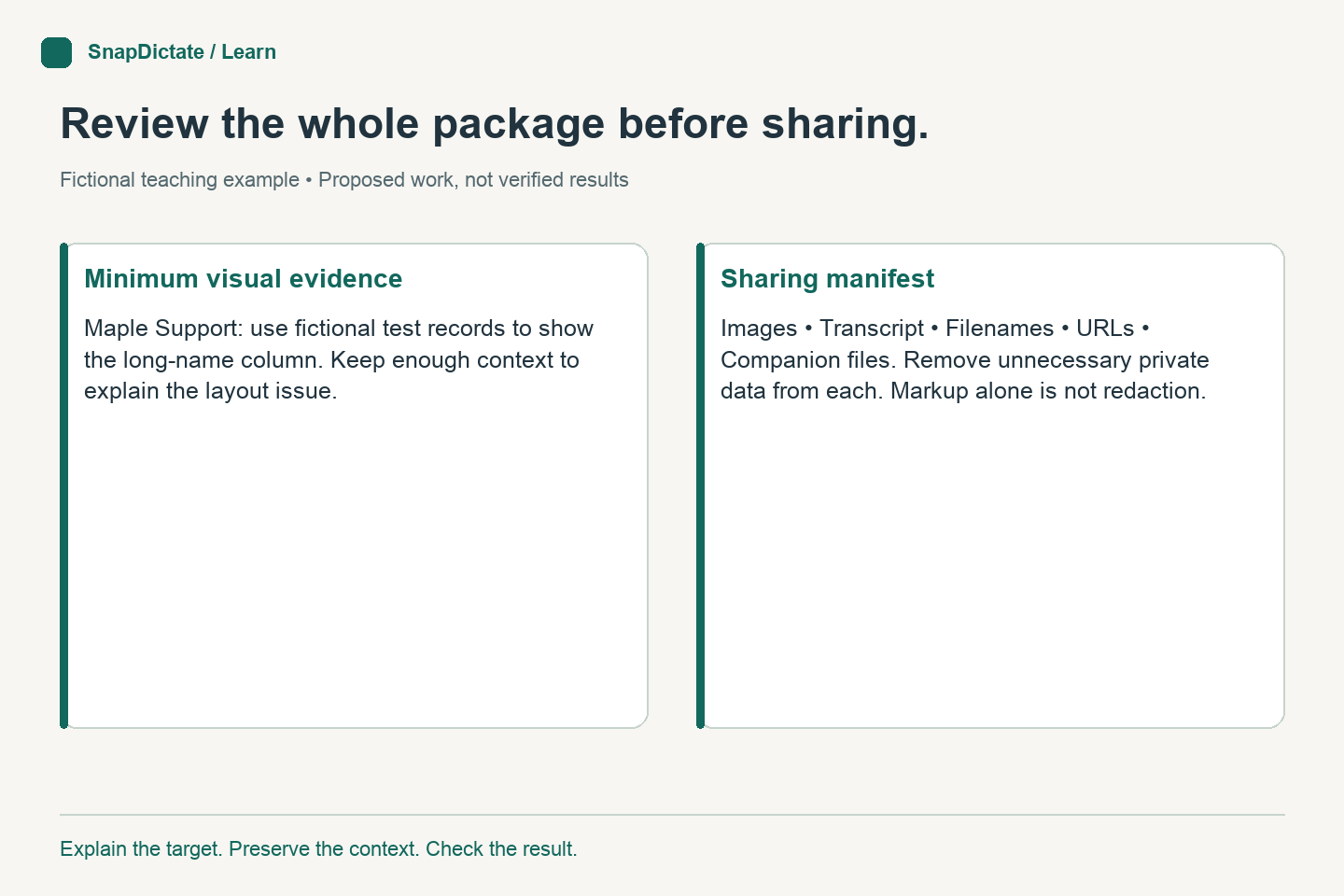
Start with the minimum evidence the task needs
Suppose you need an agent to fix a clipped customer-name column in Maple Support, a fictional support application. The failure depends on a long name and a narrow panel. It does not require a real customer's name, email address, message, or account number.
The vague request is:
Here's my entire support dashboard. Fix the names.
A better handoff uses a test account and fictional records with comparable text lengths. It identifies the column and explains the failure without sending unrelated tickets.
This screenshot uses fictional test records in the support-list layout.
Marker 1 identifies the Customer column. Long names are clipped before
the action menu. Preserve the column order and existing menu behavior.

The sample text is illustrative, not a real customer record. Check the
layout with the supplied long and short test names. Do not infer actual
customer identities or ticket content from this example.
Replacing real values with short placeholders can hide a wrapping problem. Preserve the relevant structure, length, or state while removing the real identity. If you cannot reproduce the failure with safe test material, state that limitation and use an approved internal process for the sensitive evidence.
Inspect the whole capture before annotating it
Look beyond the target. A screenshot can include account names, message previews, browser tabs, notification banners, or a URL containing an identifying value. A crop may remove useful context along with sensitive material, so check that the remaining image still supports the request.
Use an approved test environment when available. Hide or close unrelated panels before capturing rather than relying entirely on cleanup afterward. Do not assume that a page is safe because it is a demo: inspect the actual values displayed.
The annotation guide explains how to keep enough context to identify the target without capturing an unnecessary amount of the interface.
Do not confuse markup with redaction
A box or arrow identifies an element; it is not a privacy control. A shape placed over text may leave the underlying information in an editable document. The UK's Information Commissioner's Office warns about that risk and describes methods that remove information from the disclosed copy. Read its redaction guidance.
Use an appropriate redaction workflow for the actual file format. For a still image, that may involve permanently replacing the sensitive pixels and exporting a clean, non-layered image. For a document or package, inspect text, hidden content, and included originals as well. Do not assume that fixing the preview fixes every embedded or companion file.
Reopen the exact exported copy you intend to share. Check that the removed material cannot simply be revealed by moving a shape or selecting underlying text. For consequential or regulated material, use your organization's approved process and reviewer rather than treating this article as a compliance determination.
Check the transcript and filenames too
A clean image can be paired with an unsafe transcript. You may have spoken a customer's name, dictated an access token, or included an internal URL while explaining the problem.
Read the text as carefully as you inspect the image. Replace unnecessary identifiers consistently so the agent can still follow the example. A screenshot labeled Customer A and a transcript referring to Customer B can introduce a new ambiguity.
Review filenames and archive contents. A sanitized screenshot named after a real customer's account can still disclose information. An export may also contain an original image, a document preview, or other material beyond the file you looked at first.
The ICO's broader disclosure guidance recommends checking for hidden personal information in shared documents. See that guidance. Apply the practical lesson to the whole handoff rather than only its visible cover page.
Make a short sharing manifest
A manifest is simply a list of what you are sending and why. For the fictional Maple Support task, it could look like this:
| Material | Needed for this task? | Review before sharing |
|---|---|---|
| Marked test screenshot | Yes: identifies the clipped column | Confirm all records are fictional and the target remains readable |
| Written change request | Yes: states the desired layout and preserved behavior | Remove irrelevant internal details and check exact labels |
| Full customer export | No | Exclude it rather than redact an unnecessary data set |
| Narration audio | Not needed for this handoff | Exclude it; review the transcript that will be sent |
| Original unredacted screenshot | No | Keep it out of the shared package |
This is a proposed manifest, not a claim about which files every tool includes. Inspect your actual export or sharing dialog and record the contents you verified.
Understand the operation, not just the word “local”
For SnapDictate, privacy depends on the operation:
| Operation | Relevant boundary |
|---|---|
| Saving a review | Review data is stored in the Chrome profile |
| Generating a local brief | The supported on-device model processes that operation locally |
| Voice transcription | Online speech processing may be used |
| Optional OpenRouter processing | Selected review content is sent for cloud processing |
| Explicit connected-AI sharing | A shared copy is uploaded; online review copies expire after 30 days |
| Sending material to another AI provider | That provider's policies apply to its received copy |
The current policy also explains that removing a shared copy does not erase content an AI provider already retrieved. Read SnapDictate's privacy policy. A local brief therefore does not make every other operation offline or every recipient's retention temporary. See the review workflow and use the current customer instructions for the sharing path you choose.
Copy the pre-send check
Purpose
What specific change does the recipient need to understand?

Minimum material
Which text, images, or files are necessary to establish that change?

Content review
[ ] Test data replaces real data where it preserves the relevant behavior.
[ ] Unrelated accounts, messages, notifications, and identifiers are removed.
[ ] The actual exported images and documents were reopened and inspected.
[ ] Redactions remove information from the shared copy, not just its preview.
[ ] Transcript, filenames, URLs, metadata, and package contents were reviewed.
[ ] Unneeded originals, audio, exports, and companion files are excluded.

Recipient and handling
[ ] The receiving account, conversation, and sharing method are correct.
[ ] The sharing is permitted by the applicable organizational rules.
[ ] Relevant provider processing, retention, and access settings were reviewed.

Limitations
State what was sanitized and whether it changes the evidence.
Do not claim a real-world test was performed using fictional material.
This checklist is a prompt for inspection, not certification that a file is safe. Stop and seek the appropriate internal review when required material cannot be shared under your current permissions or policies.
Preserve enough information to investigate the problem
Privacy review should not silently change the meaning of the evidence. If you remove the error message or replace the long text that triggers the layout failure, the agent may no longer have a usable reproduction.
Explain the transformation: “Real names replaced with fictional strings of similar length; layout and control labels unchanged.” Do not claim that this establishes complete anonymization. Other details may still identify a person or account in context.
For a bug report, keep the necessary steps and expected result in the reproduction template. For a lasting task record, apply the same review to the handoff document and its source links.
Privacy-review questions
Is cropping enough?
Sometimes it removes the unnecessary visible material, but it does not review the rest of a package or accompanying text. Inspect the actual exported files and any information outside the crop that may still be included.
Can I use an annotation box to hide a password?
Do not treat ordinary annotation as secure redaction. Remove the secret using an appropriate workflow and inspect the final shared copy. If a real credential has already been exposed, follow the relevant provider and organizational incident process; hiding it in a later image does not undo the exposure.
Does deleting a shared review delete the AI conversation too?
Do not assume so. Copies already received by another service are governed by that service's handling and retention rules. Review the specific sharing operation and provider rather than treating deletion in one place as deletion everywhere.
Sources
Published by SnapDictate / RepX Inc., the maker of the product mentioned here. About and corrections.